

Hey there! Did you know that cybercriminals are always on the lookout for personal information on every online platform you use, from WhatsApp to Instagram, LinkedIn to YouTube, and even finance apps? No account is safe from their reach. If you suspect that one of your accounts has been compromised, the key is to stay calm and take immediate action – the quicker you act, the more you can disrupt the attacker’s plans.
Once a cybercriminal gains access to your account, their first move might be to make that access permanent by changing recovery email addresses, adding their own backup codes, or setting up silent email forwarding rules to monitor your account even after you change your password.
Here are some practical steps to take to minimize the damage caused. Remember, don’t worry if you can’t complete all the steps in the 15-minute sequence outlined below – the goal is to act swiftly, not to meet a strict deadline!
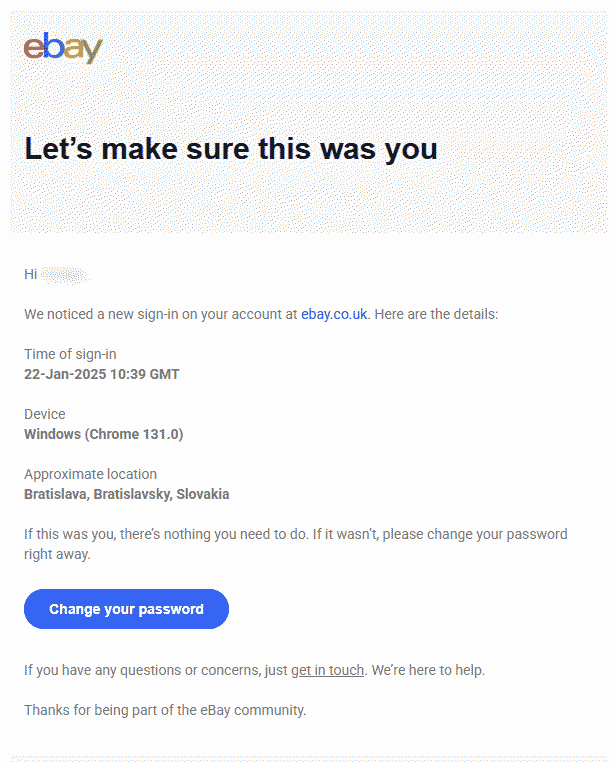
Every minute counts
Stop the damage (minutes 0–2)
Check if you still have access to the account and try to figure out how the breach happened.
If you suspect a phishing attack but still have access, secure your account following the guidance below. Use a different device if possible.
If you can’t access the account at all, start the account recovery process on the platform’s support pages. For financial accounts, contact your bank to block transactions and monitor the account.
If malware is suspected, disconnect the device from the internet to prevent further data exfiltration. Run a full scan with security software if available.
Don’t delete anything yet, as online services may require evidence during the recovery process.
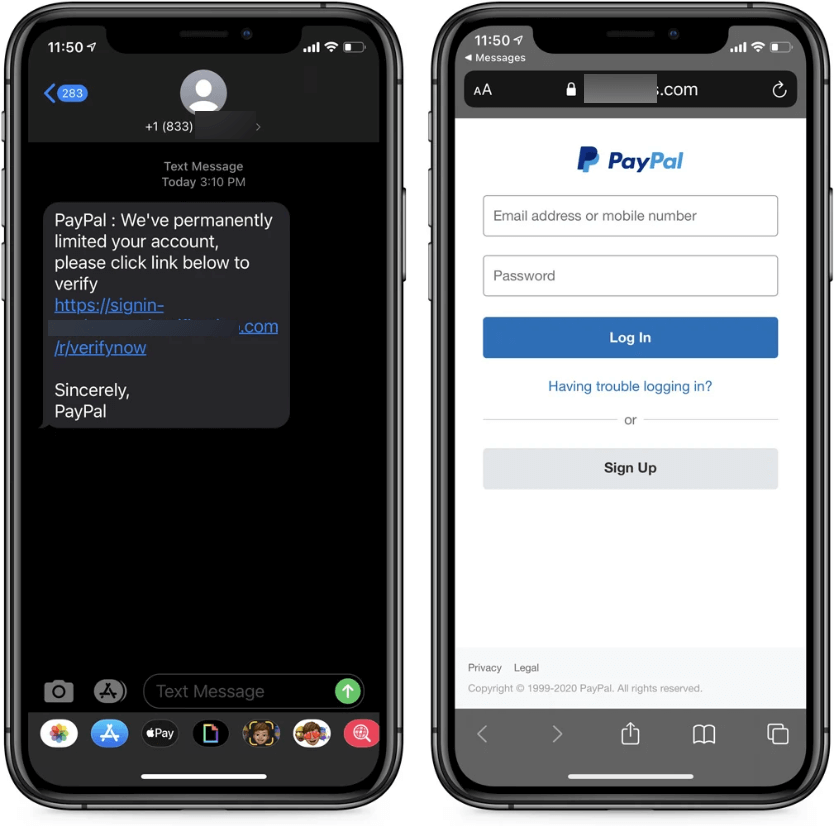
Secure access (minutes 3–6)
If it’s an email account, check for email forwarding rules set up by attackers. Update recovery settings, change passwords, and enable two-factor authentication (2FA).
Use 2FA recovery codes as backup and close all active sessions.
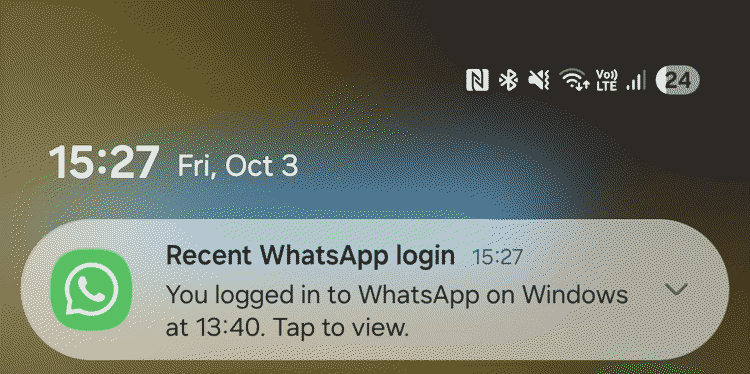
Check, check, check (minutes 7–10)
Change passwords on other platforms if you’ve used the same one. Monitor login history and activity for suspicious behavior.
Review your email account for unauthorized changes and transactions.
Clean up (minutes 11–13)
Remove unfamiliar software and browser extensions. Update operating systems and software to patch vulnerabilities.
Warn and report (minutes 14–15 – and beyond)
Inform family and friends about the incident and report it to the platform. Contact financial institutions if needed.
Review security software scan results and follow their recommendations.
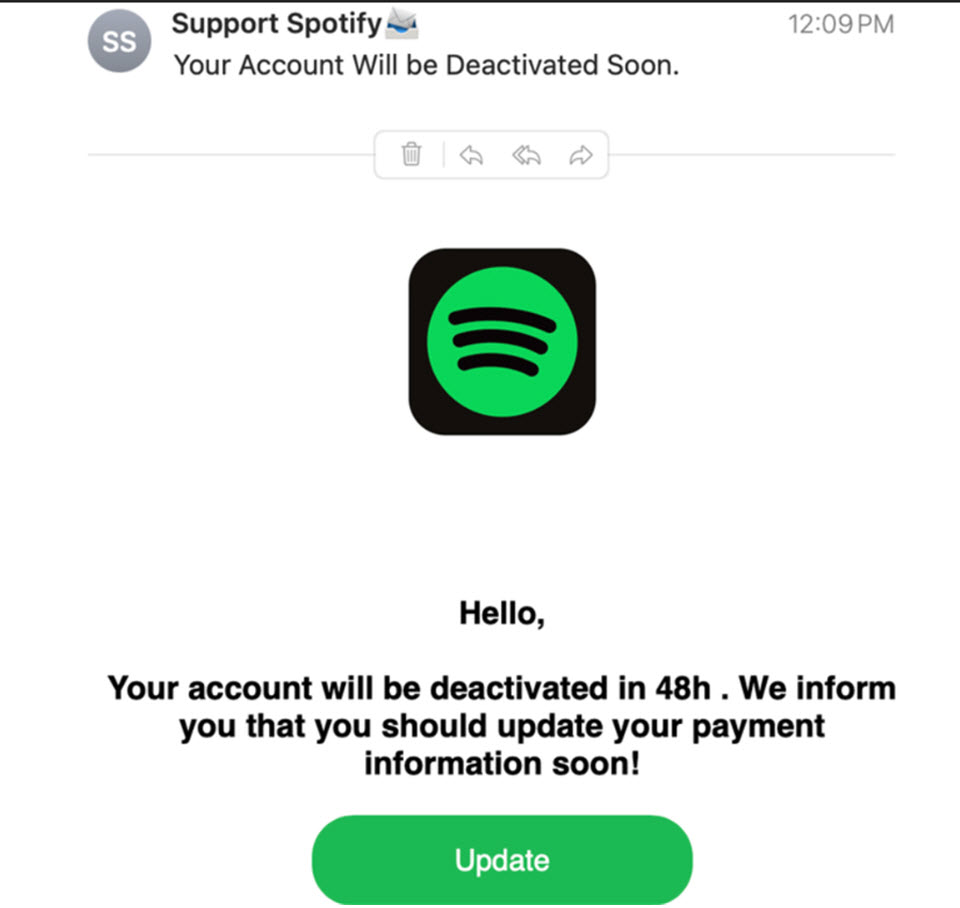
How to reduce the risk of an account compromise
Developing good habits can significantly reduce the risk:
- Use strong, unique passwords for each account and consider using a password manager to handle them.
- Enable 2FA whenever possible and keep software updated to prevent exploitation of vulnerabilities.
- Stay vigilant against phishing attempts and consider using security solutions such as identity protection services.
Final thoughts
Don’t panic if your account is hacked. Having a plan in place can help you recover quickly and deter future attacks. Remember, the habits that aid in recovery also make it harder for attackers to succeed. Stay safe online!